DevOps (Vacation) Work on Samsung Tab S9 Ultra

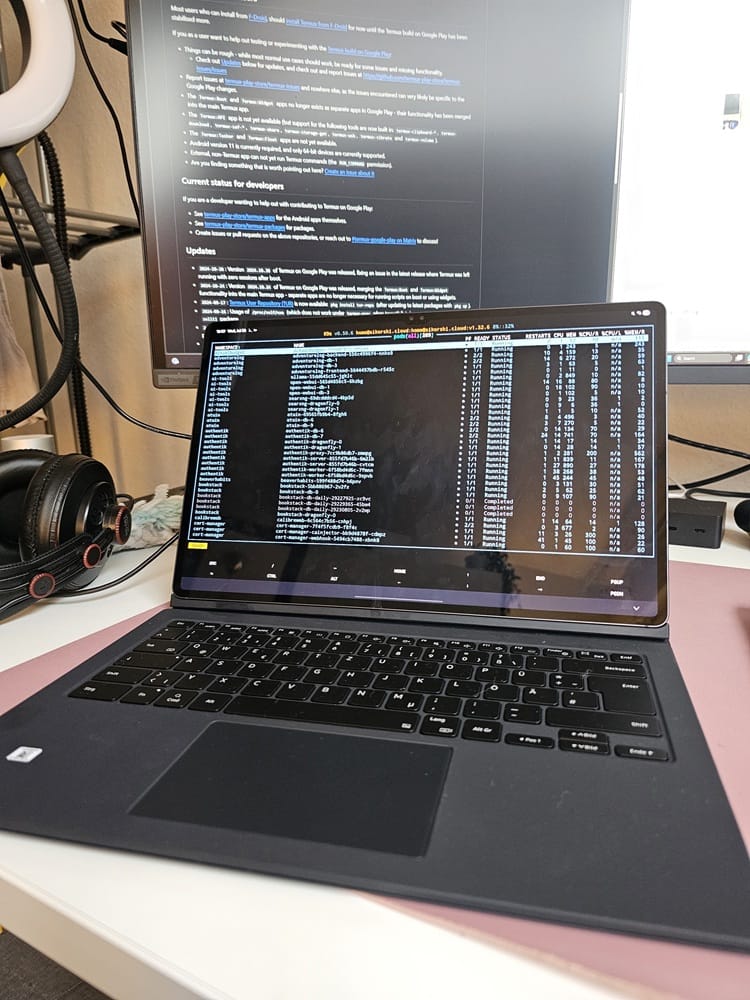
As a DevOps Engineer I regularly take my Surface Laptop with to the vacation. So if there are some problems at my Homeprod or at work I'm able to fix it with WSL and kubectl.
But now I want to take my Samsung Galaxy S9 Ultra to the vacation to Lisbon. On my tablet I have all my Piano Sheets saved and want to play some pieces at the public Piano.
This would mean to travel with 2 big electric devices (and with my Kobo Reader and so on). So I asked me if I couldn't to do the work with my Samsung Tab.
Goal was that I'm only able to do troubleshooting. Because I don't want to work at vacation 😄 Rarely there is a pod stuck, or an automatic update is falling with my GitOps fluxcd setup.
Termux has a Linux Shell and the ability to install packages with the Termux manager and apt-get. The first recommendation is to install it directly from GitHub (or over Obtainium) because from Google Play Store I had API limitations which means that some apps don't work and crashes with strange errors.
The setup itself was not so much for me complicated thanks to my automated chezmoi setup.
Chezmoi Configuration
chezmoi.yaml needed a special configuration for Termux otherwise bash scripts is falling
# termux
scriptTempDir: "/data/data/com.termux/files/.tmp"

data:
  bash: "/data/data/com.termux/files/usr/bin/bash" # needed for termux
~/.config/chezmoi/chezmoi.yaml
The script for installing packages which I need:
{{ if (eq .chezmoi.os "android") -}}

#!{{ default "/bin/bash" (index . "bash") }}

pkg install -y \
  curl wget git golang \
  mc \
  kubectl \
  k9s \
  fzf \
  kubecolor \
  zsh \
  chezmoi \
  atuin \
  just

apt update && apt install -y \
  direnv
{{ end -}}
.chezmoiscripts/10_scripts/run_onchange_termux.sh.tmpl
Wireguard
To connect to my home network I use the Wireguard connection to my fritz box. I use direct the WireGuard App from Play Store. When connected with WireGuard the Termux / kubectl shell has also access to the network.
Putting It All Together
I'm able to connect to my Home Network and with kubectl I'm able to do some basic troubleshooting. If I need to do to some changes on GitOps setup I'm changing it directly in Gitea with a Merge Request. Not so conformable like VSCode but for vacation is working fine.
talosctl is not working. It seems there a too many differences between Termux and Linux but because all my nodes are connected with JetKVM I can work around with JetKVM. With JetKVM I'm not able to send talosctl commands, but I can see if there are nodes with problems and that is enough.
Special things like awscli (needed for EKS authentication) was currently not at the test.